![3_BellwetherLogo-2.png]](https://help.bellwethercoffee.com/hs-fs/hubfs/3_BellwetherLogo-2.png?height=40&name=3_BellwetherLogo-2.png)
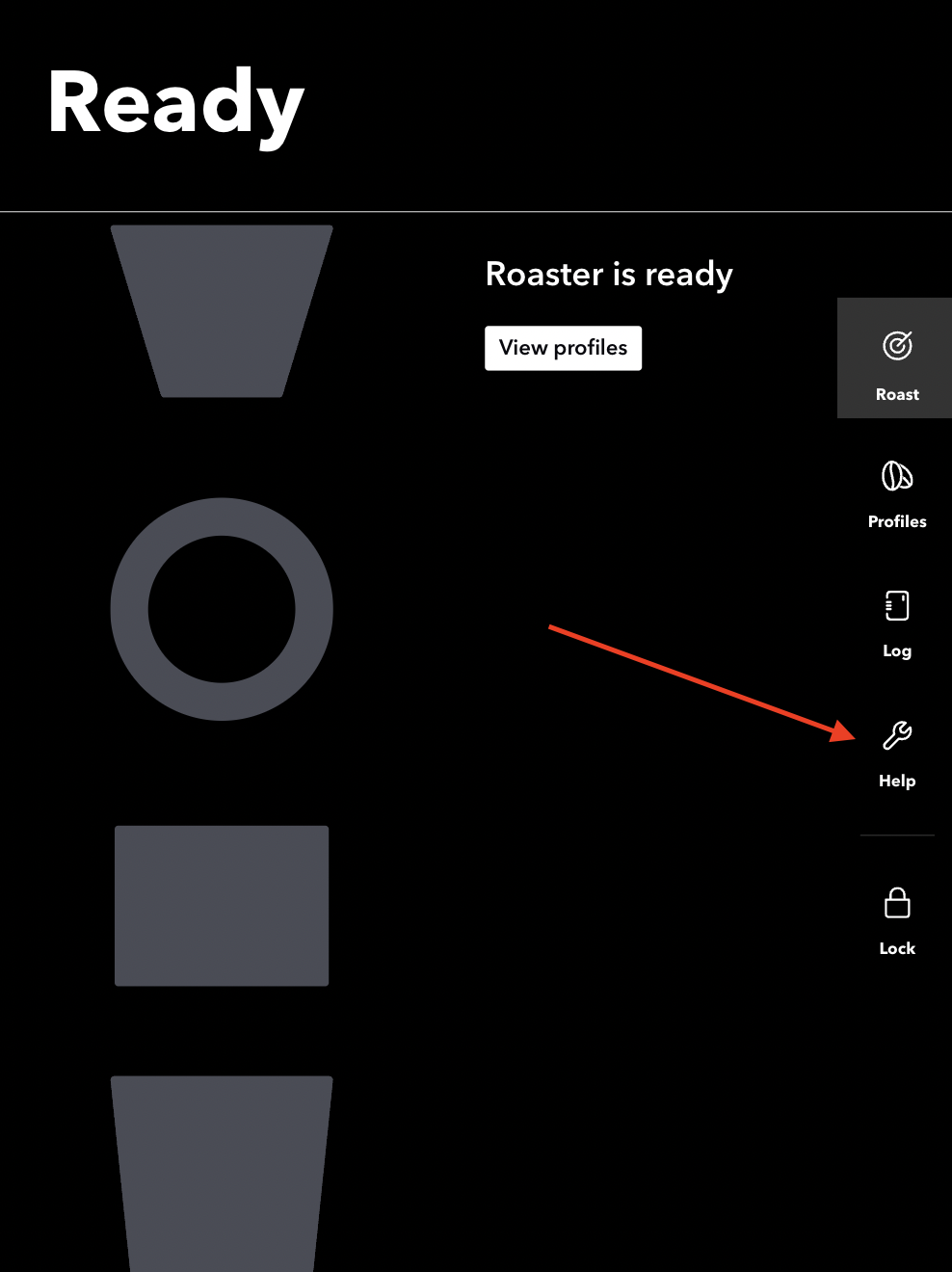
Press the "Help" tab
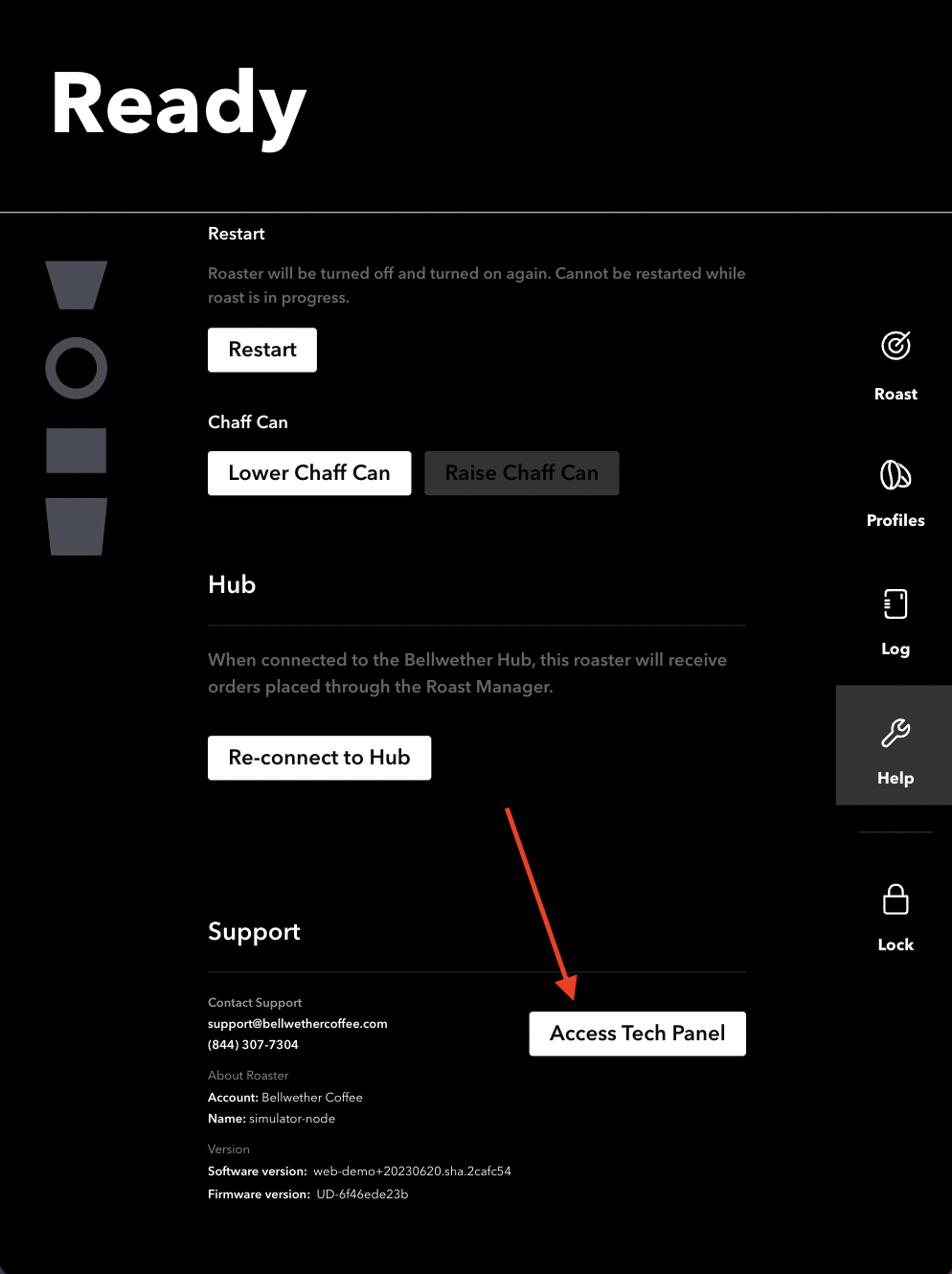
Press "Access Tech Panel"
Enter the PIN from Support or the number "2XXX" where "XXX" is the number of your roaster.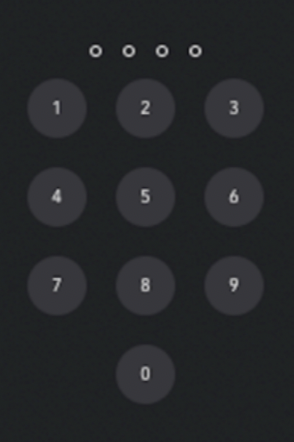
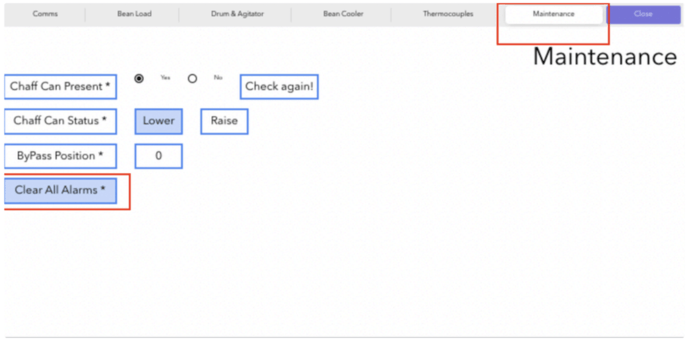
Go to the "Maintenance" tab and press "Clear All Alarms"
If the alarm returns, please reach out to us via your Support Representative.